Deep Dive
When someone searches “buy protein powder online,” they aren’t browsing — they are buying. Done right, Google Shopping is the highest purchase-intent channel in D2C. Done wrong, it’s an efficient way to lose money at scale.
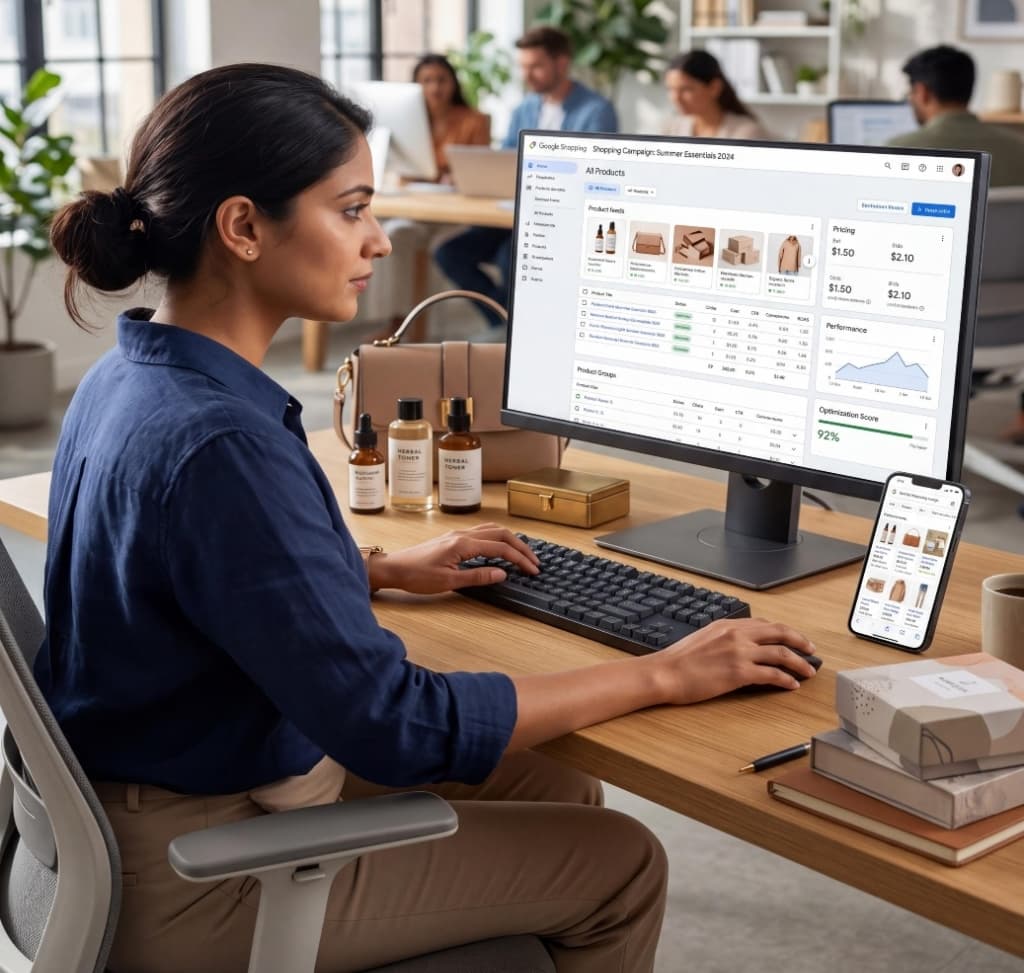
Google Shopping Ads (now part of Google’s broader Performance Max ecosystem) are product-based ads that appear at the top of Google Search results — showing your product image, name, price, and store name before a user even clicks.
Unlike Search ads (which are text-based and keyword-triggered), Shopping ads are feed-based. Google pulls your product data — title, description, image, price — from a feed you submit via Google Merchant Center, and automatically matches your products to relevant searches.
Before running a single ad, your product feed in Google Merchant Center must be clean. This is where most D2C brands make their first mistake: they export a basic product list from Shopify, submit it, and wonder why their ads underperform.
Google uses your title to match products to searches. Include: brand name, product type, key attributes (size, colour, material). Bad: 'Hydration Serum.' Good: 'BrandName Hyaluronic Acid Hydration Serum — 30ml — For Dry Skin.'
Important for long-tail matching. Include the keywords a buyer would search. Use descriptive copy, not just marketing fluff.
White background, product clearly visible, no overlaid text. Google rejects images that don't meet standards, meaning your ad won't show.

High control. You decide bids for individual products or groups. You can see search term data and add negatives.
Best for: Brands with diverse catalogues where profitability varies significantly by product.
Less control. Google's AI decides where, when, and to whom your ads show across all surfaces. Optimises to your goal.
Best for: Brands with strong conversion history (500+ in 30 days) and proven creative assets.
The D2C Reality: Most brands start with Standard Shopping to build data and control, then layer PMax on top as spend scales.
Tell Google what ROAS you want and it optimises bids to hit that target. The most common strategy once you have sufficient data (50+ purchases in 30 days).
Optimise for a specific cost per acquisition. Works well for single-product brands or brands with consistent AOV.
Use during Learning Phase or when scaling into new product groups. Let Google find volume before constraining with ROAS targets.
Full bid control. Time-intensive. Best for very specific product groups where you want to hand-manage bids.
Here is the structural challenge with Google Shopping that most D2C brands don’t account for until it’s too late: Google Shopping is bidding at the product level. But your profitability is not uniform at the product level.
If you run Product A (55% margin, low returns) and Product B (18% margin, high returns) in the same campaign at the same tROAS target, you're treating them identically. You might scale Product B aggressively — and every order eats margin.
The fix: segment your Shopping campaigns by product margin tier.
Shopping campaigns don’t use keyword targeting, but they do use search term matching. Google will sometimes match your products to completely irrelevant searches (e.g., matching a skincare serum to "vitamin C deficiency symptoms").
Negative keywords block your ads from showing for these clicks. Build your list from:
Sort by spend in Google Ads, look for irrelevant terms.
Unless you want to deliberately bid on their brand terms.
'how to', 'what is', 'review of' — these are research clicks, not buying clicks.
'free', 'cheap' — especially if you're not the cheapest option in your category.

Standard Google Ads reporting shows you ROAS per campaign. That’s just the starting point. To know if your campaigns are actually profitable, you need to calculate True CM2:
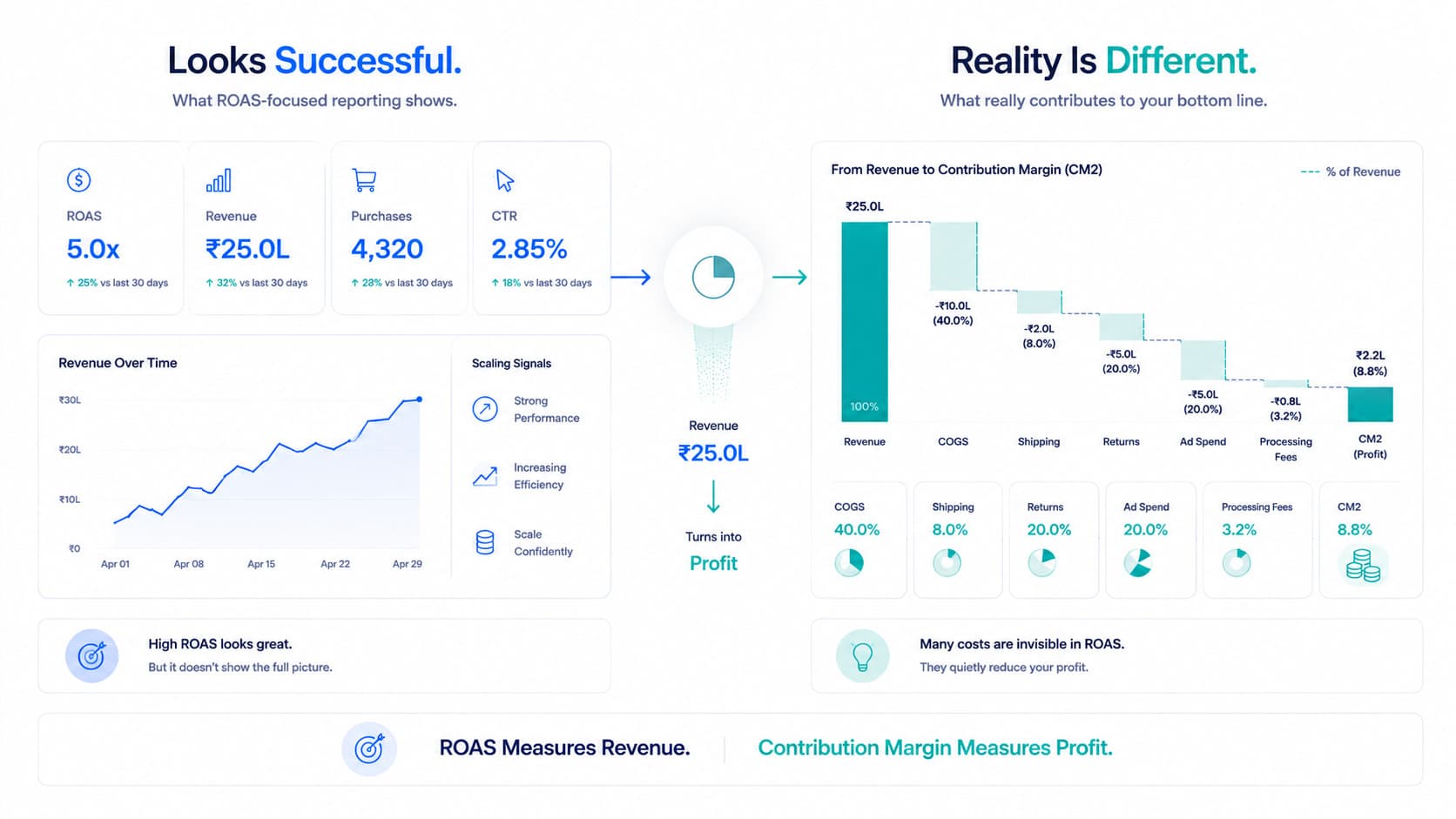
A Shopping campaign showing 4.5x ROAS might have a 12% CM2 after all costs. Another showing 3x ROAS on a high-margin product might have a 38% CM2. The scaling decision is obvious when you have CM2; it’s a guess when you only have ROAS.
Google Shopping is one of the highest-intent channels available. But purchase intent doesn’t guarantee profit.
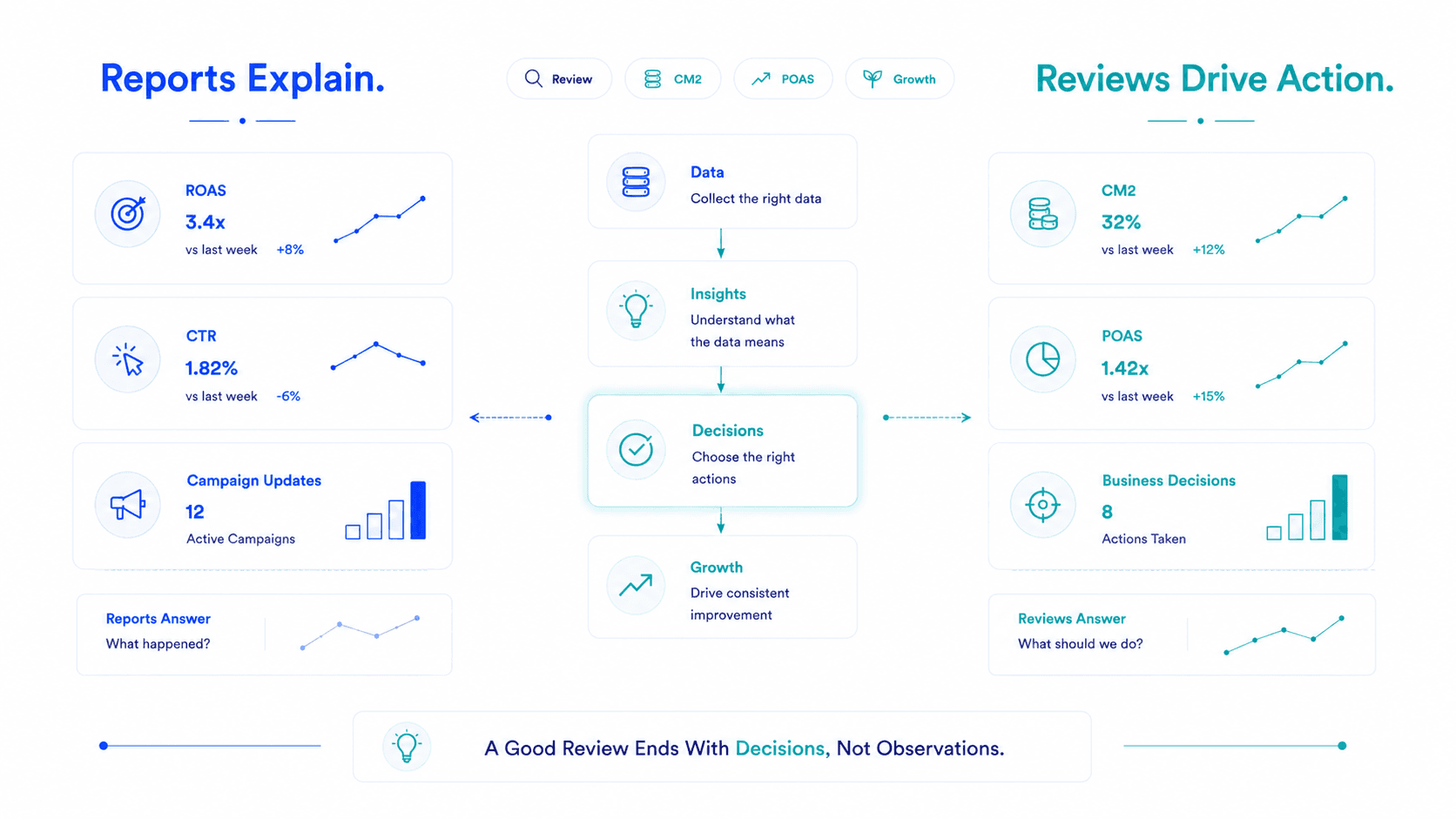
The brands that win at Shopping long-term are the ones who understand their product margins, segment their campaigns accordingly, obsess over feed quality, and measure CM2 — not just ROAS.
Set it up right. Measure what matters. Scale what's profitable.
Frequently Asked Questions
Google Merchant Center is where you upload and manage your product feed — the data Google uses to create Shopping ads. Without a clean, accurate feed in Merchant Center, you can't run Shopping ads. Feed quality directly impacts ad eligibility, relevance, and performance.
Start with Standard Shopping for control and data building. Layer Performance Max once you have 500+ monthly conversions and proven creative assets. Running both simultaneously — Standard for core products, PMax for expansion — is a common and effective structure for scaling D2C brands.
Google recommends 50+ conversions in the last 30 days before switching to tROAS. Below that threshold, the algorithm has insufficient data to optimise effectively and you'll experience extended Learning Phase periods that burn budget without optimisation.
Shopping campaigns match products to searches automatically — which means irrelevant matches happen regularly. Negative keywords prevent your ads from showing for searches that will never convert (informational queries, competitor terms, unrelated products), reducing wasted spend.
Flable connects your Google Shopping ad spend with product-level COGS, return data, and fulfillment costs to show CM2 per campaign in real time. This lets you see which Shopping campaigns and product groups are genuinely profitable — and scale them — rather than optimising on ROAS alone.
CM2 per product, per campaign — live. See which Shopping ads are actually making you money.
See Your Real Profitability →Setup in 48 hours · No credit card required · Backed by Microsoft & NVIDIA