Step-by-Step Guide
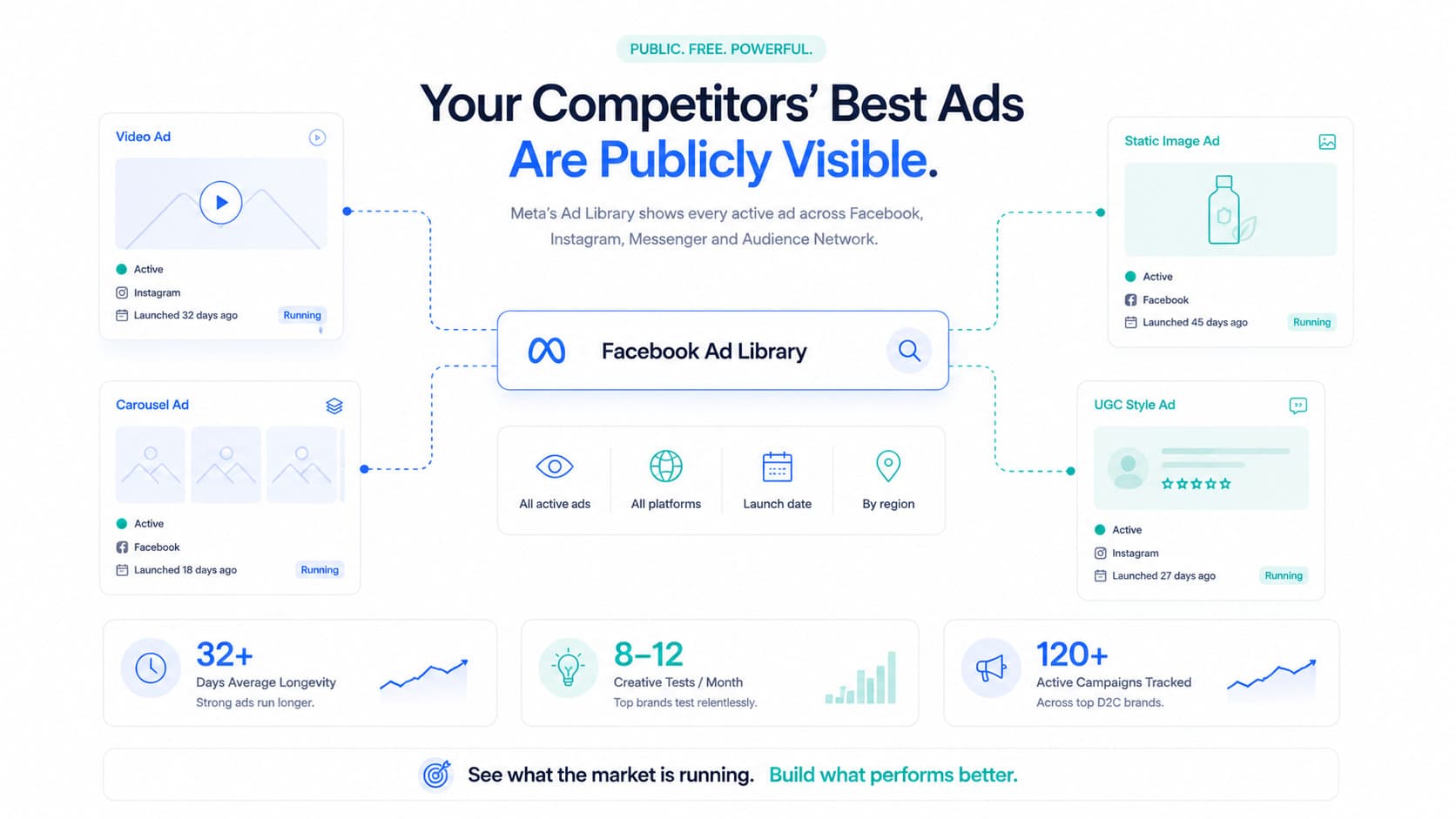
Most D2C brands know about Meta’s Ad Library. Far fewer use Google’s equivalent — which is free, powerful, and covers Search, Display, and YouTube ads. Here’s how to use it properly.
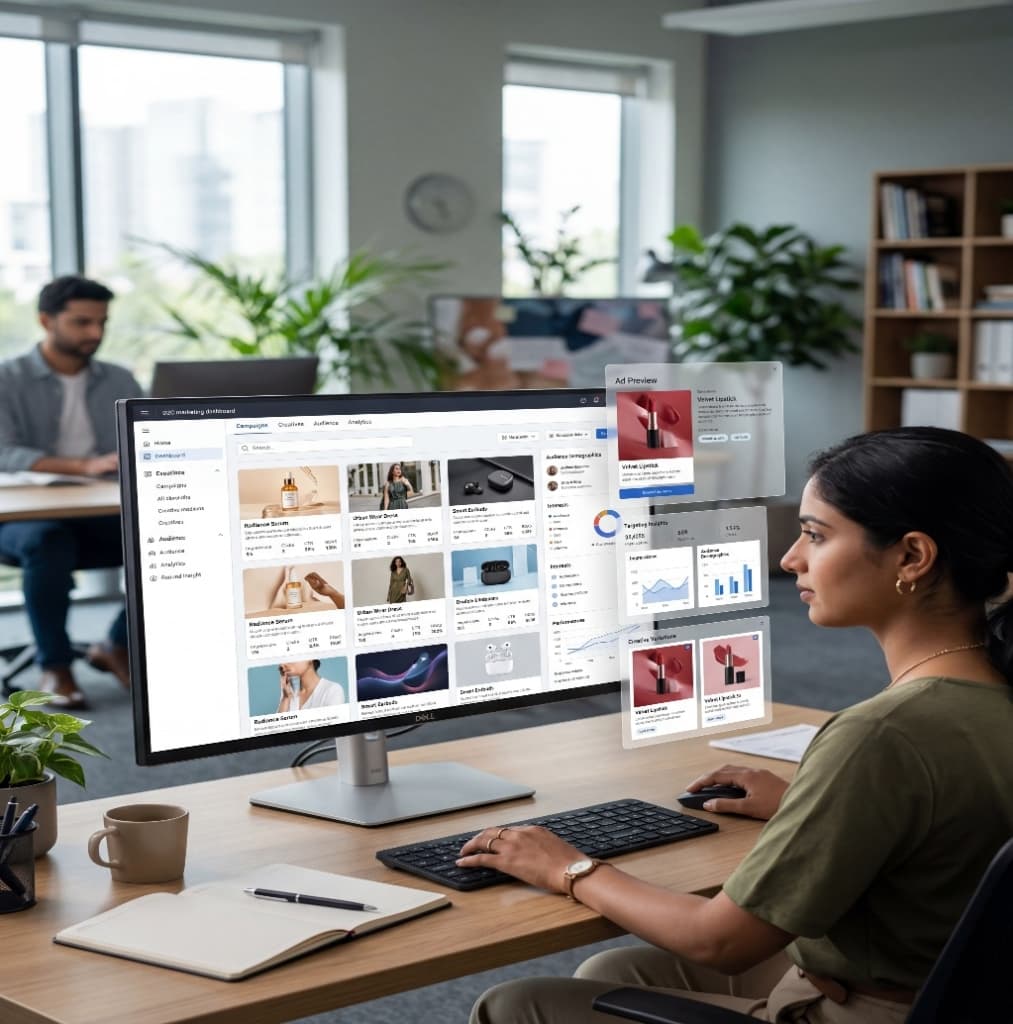
Google’s Ads Transparency Centre is a publicly accessible database of ads running across Google’s network — Search, Display, and YouTube. Like Meta’s Ad Library, it was originally launched for transparency purposes but has become an invaluable competitive research tool.
Go to adstransparency.google.com
Search by advertiser name, website URL, or keyword
Filter by ad format — Search, Display, or Video
Filter by region to see which markets they're active in
Sort by date to identify longest-running ads
Two minutes and you have a full view of what any competitor is running on Google.
Most D2C brands focus their competitive research on Meta. Google gets less attention — which means this tool is significantly less crowded as a research resource. Your competitors are probably not using it to watch you.
Which means you have an asymmetric advantage if you do.
Here’s what it reveals that Meta’s Ad Library doesn’t:
Google Search ads are built around what people are actively searching for. The headlines tell you exactly which high-intent keywords competitors are bidding on.
Google Display ads show how competitors present their brand visually outside of social media — different audiences, different contexts, different creative approaches.
If competitors are running YouTube ads, you can see their video content. The first 5 seconds — the hook — is among the most valuable creative research you can do.

Read competitors' Google Search ad headlines carefully. They almost always contain the exact keywords being bid on. "Best collagen supplement India" in a headline? They're bidding on that phrase. This gives you a starting point for your own keyword strategy — free.
Search ads are ruthlessly efficient — a headline and two lines of description. Every word is deliberate. What does your competitor lead with when someone is searching to buy? Compare across 5 competitors and you'll see what the market believes matters most — and where there's white space.
The tool shows which regions each advertiser is running in. If a competitor suddenly activates ads in a new geography, that's a signal they're testing a new market. For D2C brands planning their own expansion, this is early-warning intelligence.
Sale creative, discount codes, limited-time offers — all visible in the ad copy. Tracking this over time builds a picture of your category's promotional calendar. When you know competitors ramp up in the third week of October, you can plan — not react.
Search your own brand. What does your Google Ads presence look like from a customer's perspective? Are your headlines compelling? Is your value proposition clear? This is the outside-in view your team inside Ads Manager never gets.
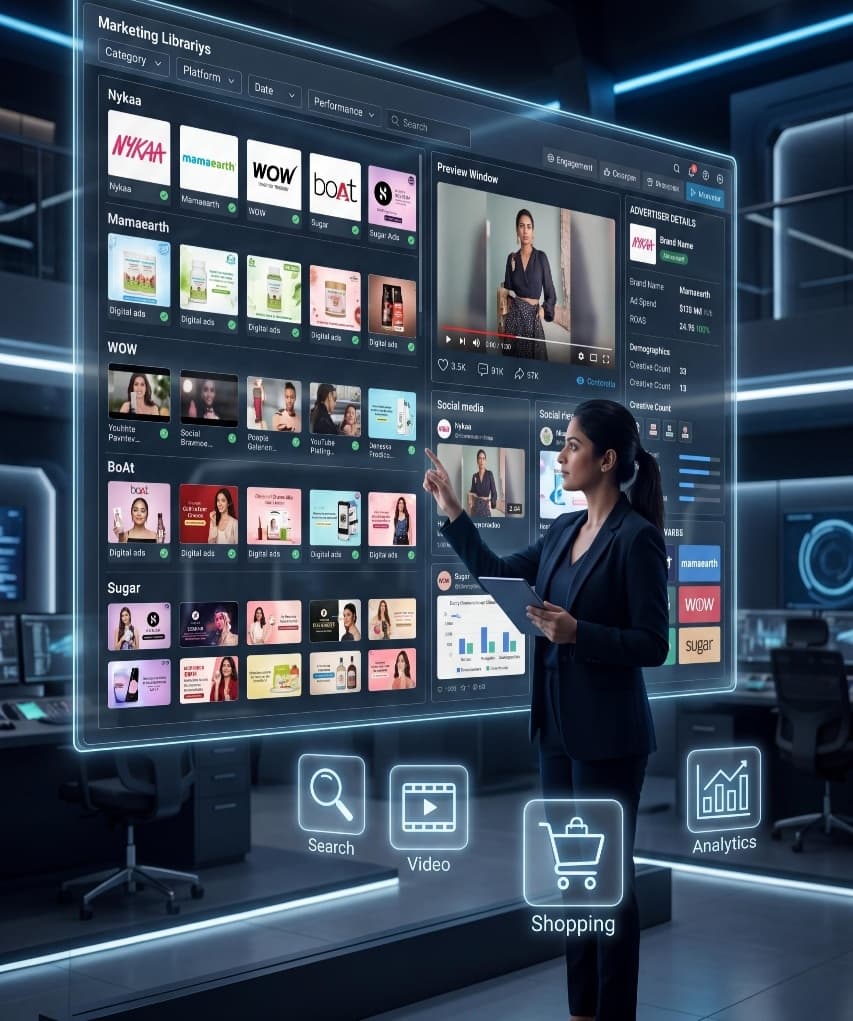
The Google Ads Transparency Tool is a creative and strategic intelligence tool. What it cannot tell you — just like Meta’s Ad Library — is whether the ads you’re seeing are actually profitable.
A competitor running aggressive Google Shopping ads with low prices might be driving high volume and losing money on every order. “Our competitor is doing X, so we should do X” — without knowing whether X is profitable for them, let alone for you.
The right framework: use the Transparency Tool for creative and strategic patterns. Use real-time profitability data — contribution margin per campaign, per channel — to decide what to spend your own budget on.
| Facebook Ad Library | Google Ads Transparency | |
|---|---|---|
| Best for | Creative research — visuals, video, UGC | Keyword and value proposition research |
| Platform coverage | Meta (Facebook + Instagram) | Google Search, Display, YouTube |
| Ad longevity visible | ✅ Yes | ✅ Yes |
| Spend data | ❌ No | ❌ No |
| D2C relevance | Very high — social commerce | High — search intent buyers |
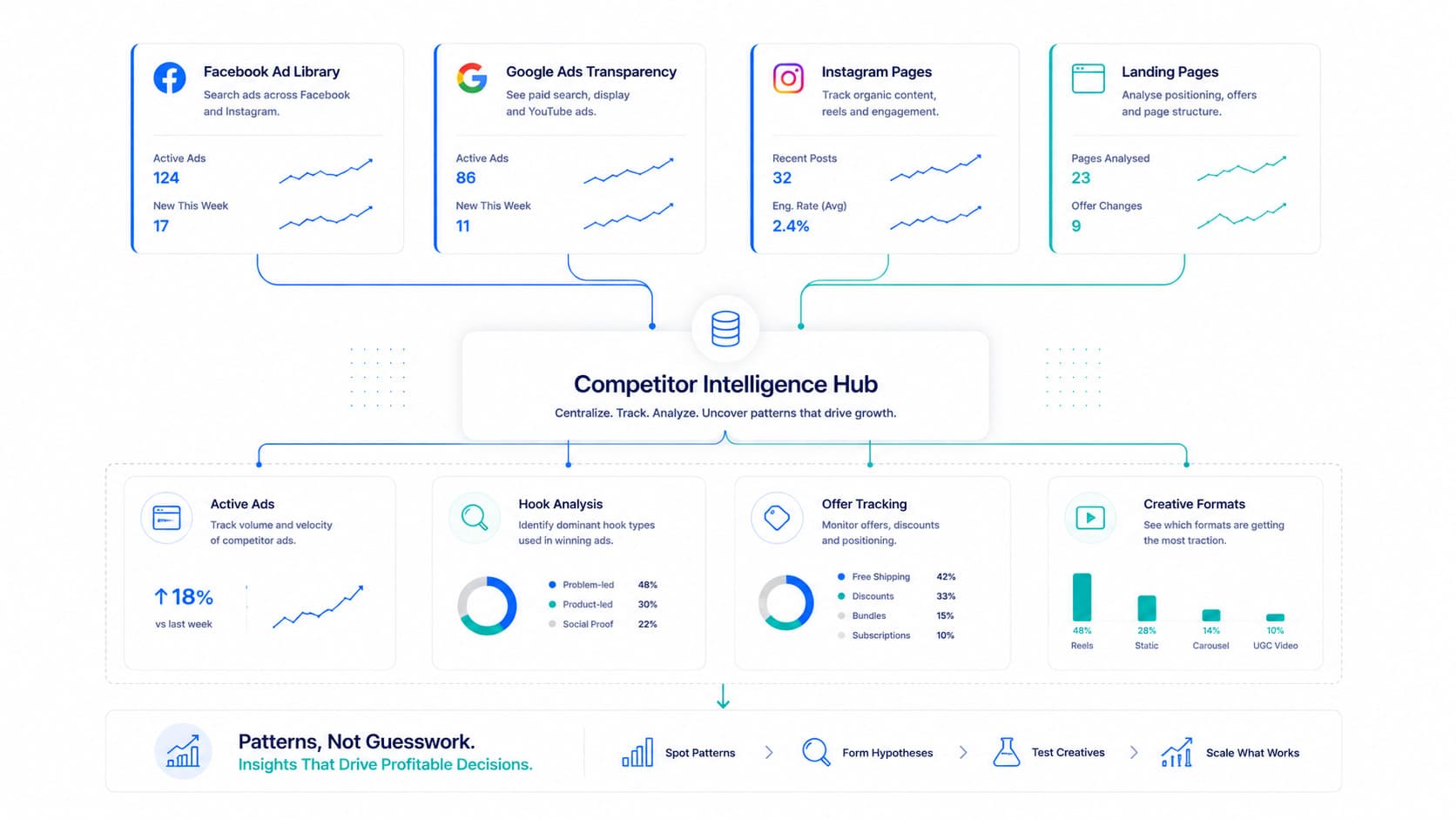
The smartest D2C brands use both regularly. Meta Ad Library for creative strategy. Google Transparency Tool for search intent and value proposition research. Together, they give you a full picture of what competitors are saying across the two biggest paid advertising channels.
The Google Ads Transparency Tool is free, powerful, and chronically underused by D2C brands.
The brands that use it systematically — watching competitor creative longevity, extracting keyword signals from Search ad headlines, tracking regional expansion and seasonal promotions — build a competitive intelligence advantage that doesn’t cost a rupee.
Know what the market is saying. Know what makes you money. Do more of the second.
Frequently Asked Questions
Yes, completely free. No login or Google account required. Access it at adstransparency.google.com and search any advertiser name or website URL.
You can see Search ads (text-based ads appearing in Google results), Display ads (visual ads across the Google Display Network), and Video ads (YouTube). Each format is filterable separately.
Meta's Ad Library covers Facebook and Instagram — primarily visual and video ads. Google's Transparency Tool covers Search, Display, and YouTube. For D2C brands, Meta's library is better for creative research while Google's tool is better for understanding search keyword strategy and value propositions.
Not directly, but Search ad headlines are a strong proxy. Competitors include their target keywords in ad headlines — "buy natural skincare India," "best D2C protein brand" — making the tool a useful (and free) competitive keyword research resource.
Flable shows you contribution margin per channel — including Google — in real time, adjusted for returns and COGS. So while the Transparency Tool tells you what competitors are doing on Google, Flable tells you whether your own Google campaigns are actually profitable after all costs.
Real contribution margin. Per campaign, per channel. Live.
See Your Real Profitability →Setup in 48 hours · No credit card required · Backed by Microsoft & NVIDIA